A tutor who knows your material, in a voice you choose
Oracle is BrightStudy’s AI tutor: six characters, each with its own voice, ready to explain a tricky idea, work through your own notes, or just talk a topic through until it makes sense.

What Oracle does
Ask anything, in plain language
Oracle sits inside BrightStudy, ready whenever you have a question.
Ask anything
Open a chat and ask about any topic, your course, or how to use BrightStudy itself.
Explain a passage
Highlight any text in a Study Doc and ask Oracle to explain it — simply, in depth, step by step or with an example.
Study from your own material
Attach a document you own and Oracle answers, quizzes and explains from it, not generic knowledge.
Hear every reply
Switch on voice and Oracle reads its answers back to you, in its own voice.
On your phone too
The same tutor chat is built into the BrightStudy mobile app.
Pick the voice that keeps you going
Every character teaches the same way and knows the same material — only the voice and personality change. Pick one in Settings, or change whenever you like.
Oracle
Calm, insightful core intelligence.
Oracle Fox
A wise spirit guide with sharp insight.
Nova Bot
A friendly robot, full of smarts and positivity.
Lumi Sprite
A playful spark of curiosity.
Atlas Owl
A patient scholar who sees the big picture.
Echo Capsule
Focused insights, right on time.
A chat that talks back, literally
Every reply can be typed or read aloud, and Oracle can answer from a document you choose to attach.
Every chat can
You ask Oracle Fox
Can you explain why control rods slow a reaction, using the document I just attached?
Answers from your material
- Oracle reads the document you attached and bases its answer, quizzes and examples on it, not generic knowledge.
Reads its answer aloud
- Switch voice on and every reply is read back in that tutor’s own voice.
Remembers the conversation
- Signed-in chats are saved automatically, so you can close the tab and pick up later.
Every chat, kept the way you want it
Chat history is yours to manage, not a single endless thread.
Start a new chat
Begin a fresh conversation any time, without losing the last one.
Reopen an old one
Pick any past chat from your history and carry on where you left off.
Rename or delete
Rename a chat to find it later, or delete one or your whole history.
Download it
Save any conversation as a text file to keep or share.
Ask without leaving your notes
Oracle is one click away while you are reading, from more than one starting point.
Explain
Choose it if
You have highlighted a tricky passage.
You get
Pick simply, in depth, step by step or with an example, and Oracle answers in chat.
See how it works ↓Ask Oracle
Choose it if
You want to talk a selection through.
You get
Opens a chat with your selected text already shared as context.
See how it works ↓Attach the document
Choose it if
You want help across the whole Study Doc.
You get
The docked Oracle panel can attach the document itself, not just a selection.
See how it works ↓Oracle, wherever you are studying
A docked panel beside your notes on the web, and its own screen on mobile.
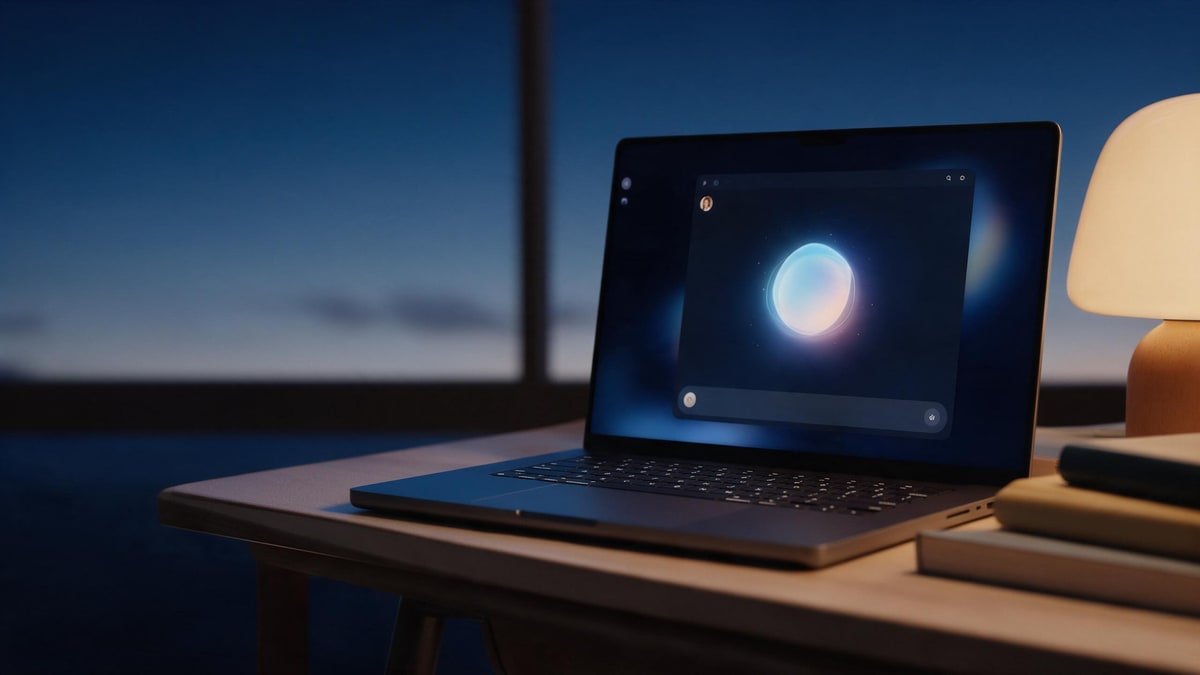
Docked beside your notes
A slide-out panel keeps Oracle one click away from any Study Doc.
Pick your tutor
Switch character any time; voice and persona change with it.

Your chat history
Search, rename or revisit any past conversation.

On mobile too
The same tutor, with quick prompts and voice, built into the BrightStudy app.

From a question to an answer you can hear
Getting help from Oracle takes seconds, wherever you are in BrightStudy.
- 1
Pick a tutor
Choose a character once, or change any time in Settings.
- 2
Ask your question
Start a fresh chat, or carry on a saved one.
- 3
Attach your material
Share a document so answers are grounded in what you are actually studying.
- 4
Get your answer
Read it, or switch on voice and hear it in that tutor’s own voice.
- 5
Keep or clear it
Rename, download or delete the chat whenever you like.
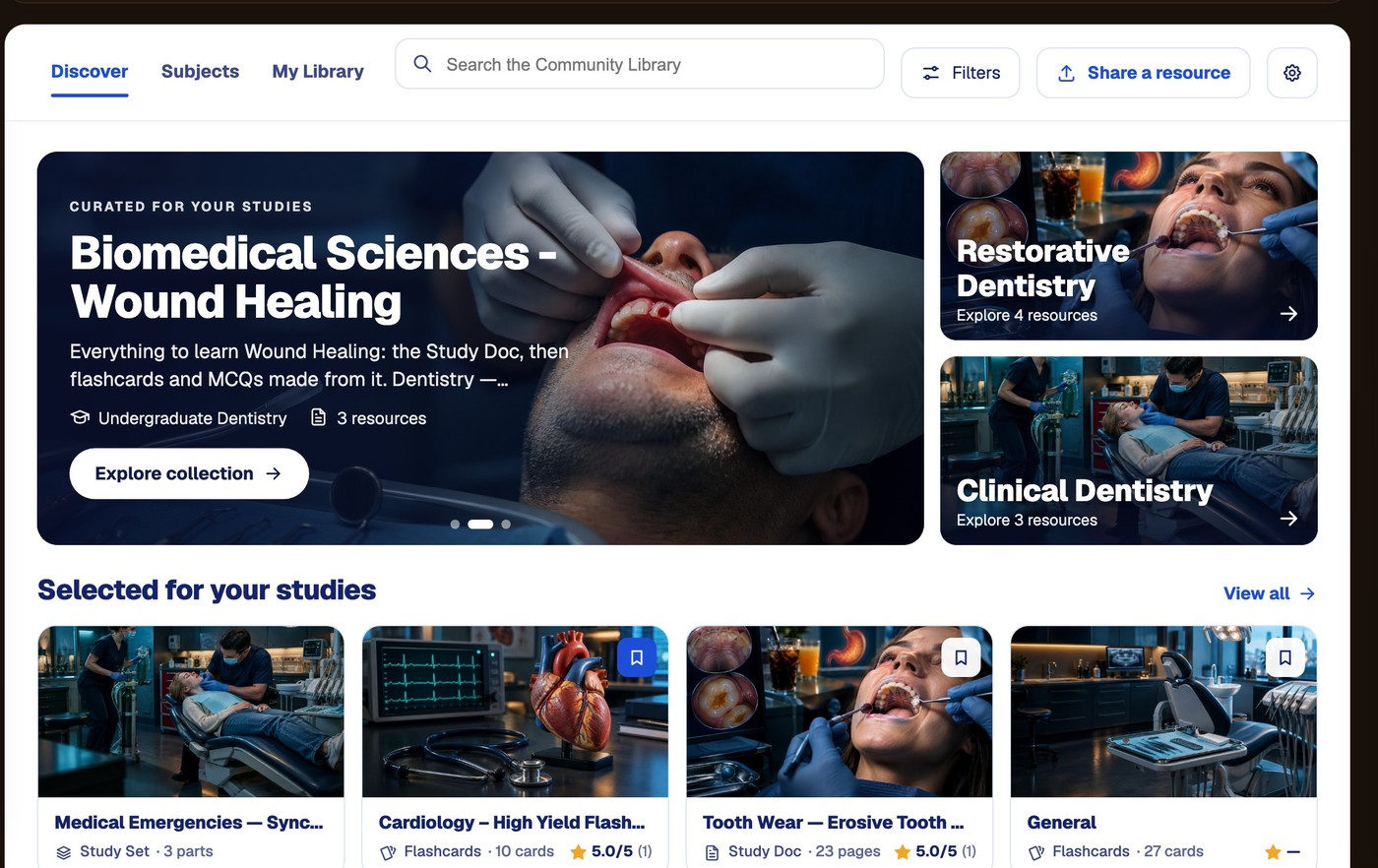
Oracle knows BrightStudy, and the Community Library
Ask Oracle how to do something in BrightStudy and it answers from a maintained handbook of the app’s own pages and buttons, not a guess. Ask about a topic and it can point you to a real, published resource from the Community Library, with a working link — never one it invented.
Questions, answered
How Oracle works, what it can see, and where to find it.
Try BrightStudy free and upload your first document, or email us at support@brightstudy.ai.
How many tutors are there?
Can I type and hear Oracle speak?
Can Oracle see my own notes?
Can I save and come back to a conversation?
Does Oracle know about BrightStudy itself?
Can Oracle recommend study resources?
Is there a tutor on mobile?
Is Oracle free to use?
Explore the rest of BrightStudy
Move across the strips · tap one to explore
 FlashcardsActive recall with focused question-and-answer cards.Learn more →
 MCQsExam-style questions with answer explanations.Learn more →
 Deep LearningExplain your understanding and get feedback.Learn more →
 AI ExplanationsHelp understanding answers and remembering ideas.Learn more →
 Spaced RepetitionRevisit your learning with scheduled reviews.Learn more →
 Study DocsStructured notes you can read, edit and study from.Learn more →
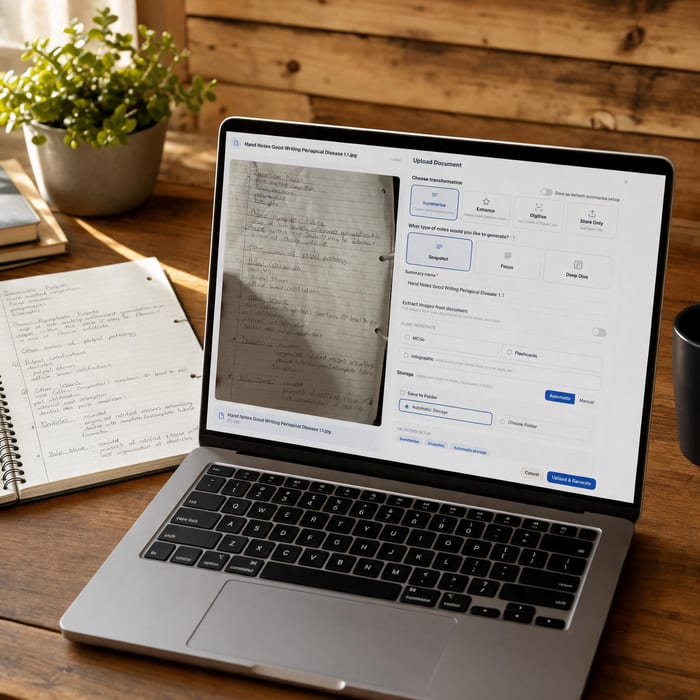 Document UploadsPDFs, slides and typed or handwritten notes.Learn more →
A tutor who actually knows your notes.
Pick a character, ask your question, and get an answer grounded in your own material — read aloud if you want it.
- Free plan to get started
- Study Docs, flashcards and MCQs
- Runs in your browser