Teach it back, and find out what you actually know
Deep Recall asks you to explain an idea from your Study Doc in your own words, out loud or typed. BrightStudy marks what you say against a mark scheme that stays hidden until you answer, and works out your score in code, not by asking AI to decide.
How a session works
Teach it back, and Deep Recall tells you what stuck
Each question asks you to explain an idea in your own words, not pick an answer from a list, so you cannot get there by guessing.
Teaching prompts, not quiz questions
Every question asks you to explain an idea as though teaching someone new to it.
Help me begin
A coarse nudge if you are not sure where to start, without handing you the structure of the answer.
Show key areas
A short list of the areas your explanation should cover — never the mark scheme itself.
Not learned it yet?
Skip a question honestly and move to the next one — it is logged, not scored as wrong.
A running clock
Tracks how long the session takes. It counts up, not down, so there is no exam-style pressure.
Speak it, or type it instead
Answer out loud or in writing, whichever you would rather do. If your browser does not support voice, Deep Recall switches to typing automatically.
Voice works in
Example teaching prompt
Explain why photosynthesis slows down in low light, as though teaching someone new to the topic.
Speak your answer
- Press the mic and explain the idea out loud.
- A live transcript appears as you speak, and you can pause or re-record before you submit.
Type your answer
- Prefer to write? Type your explanation instead.
- A few sentences are needed before you can submit.
Marked by code, not by asking AI to decide
BrightStudy reads your explanation and checks it against a mark scheme that was locked before you answered. Every mark is then added up by code, using the same formula every time.
Covered
Full credit. The idea is explained correctly, in your own words.
Partly covered
Half credit. You were on the right track but missed part of it.
Missing
No credit. The idea was not mentioned.
Incorrect
Flagged as a mistake, with a deduction for a serious misunderstanding.
Every score adds up the same way, every time
The AI reads your explanation and finds the evidence. BrightStudy’s own code turns that evidence into your score, so the same answer always earns the same mark.
Quotes are checked
A point only counts as covered if the exact words that prove it are found in your transcript — checked, not taken on trust.
Marks are added up in code
Each point’s credit (full, half or none) is summed by a fixed formula, not re-judged by AI.
Serious errors cost marks
A genuine misunderstanding deducts a share of your marks; several of them cap your score low.
Feedback stays separate
How accurate your claims were and how clearly you explained yourself are reported alongside your score, never blended into it.
Pause, skip or jump to any question
A Deep Recall session fits around you, not the other way round.
Pause
Choose it if
You need a break mid-answer.
You get
The clock and any recording stop, and your place is saved until you resume.
See how it works ↓Skip
Choose it if
You have not learned this yet.
You get
Move on without a score — logged as skipped, not marked wrong.
See how it works ↓Jump to a question
Choose it if
You want to revisit one you already answered.
You get
Step back through any scored question from the session summary.
See how it works ↓End session
Choose it if
You are done for now.
You get
End at any point; everything you answered so far is saved.
See how it works ↓Launch it from the Study Doc you are already reading
Deep Recall opens from inside the Study Doc, and keeps a home of its own for past sessions.
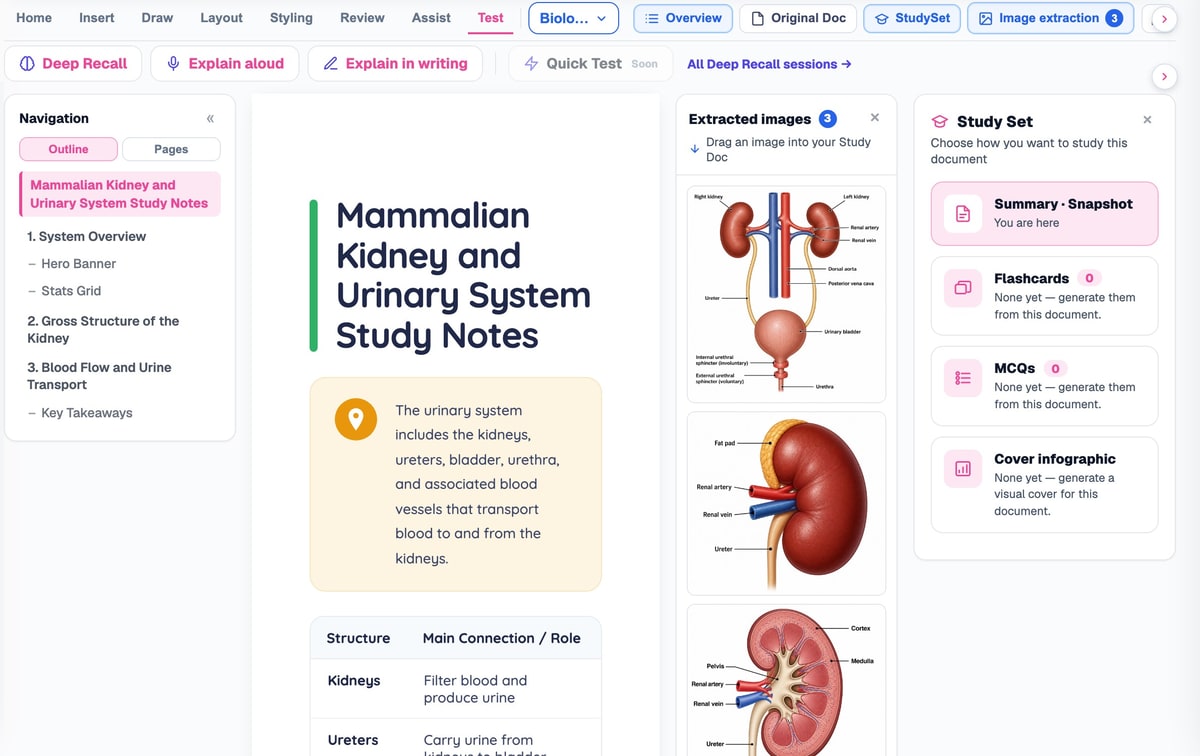
Launch from your Study Doc
Open the Test tab on any Study Doc and start a session, explain it aloud or explain it in writing.
A teaching prompt, not a quiz
Explain the idea in your own words, with help on hand if you need it.
Prefer to write?
Type your explanation instead, any time.

Pick up where you left off
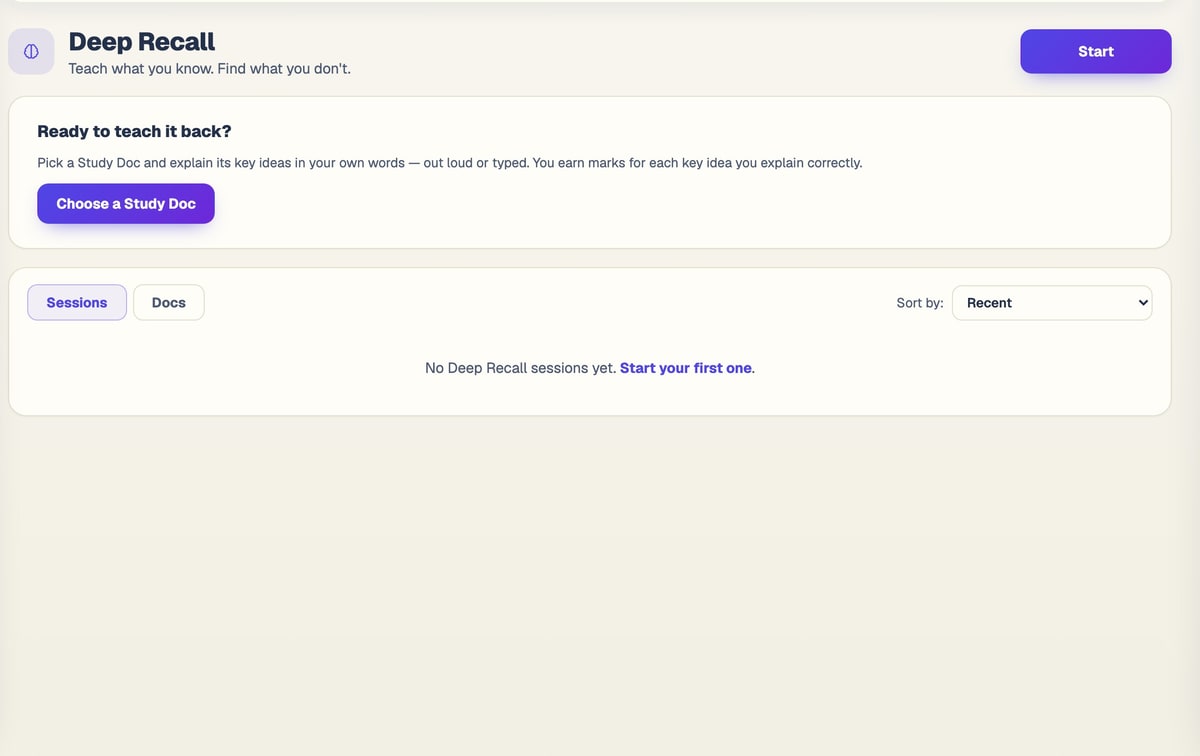
Your Deep Recall home shows every session and document, and a card to resume the last one.
From a Study Doc to knowing what you really understand
Deep Recall builds its question bank once per Study Doc and reuses it until the doc changes.
- 1
Open the Test tab
Start Deep Recall from any Study Doc with enough content to teach back.
- 2
Questions are built
Up to ten teaching prompts are generated, each with its own locked mark scheme.
- 3
Teach it back
Speak or type your explanation, question by question.
- 4
Marked in code
Your answer is checked against the mark scheme and scored by a fixed formula.
- 5
See what to revisit
A session score and a full breakdown show what to teach yourself again.
Every question comes from your Study Doc
Deep Recall reads the Study Doc itself, not a separate quiz bank, so every teaching prompt matches what you actually wrote and uploaded. The question bank is only rebuilt when the doc changes, so you can come back to the same session without waiting again.
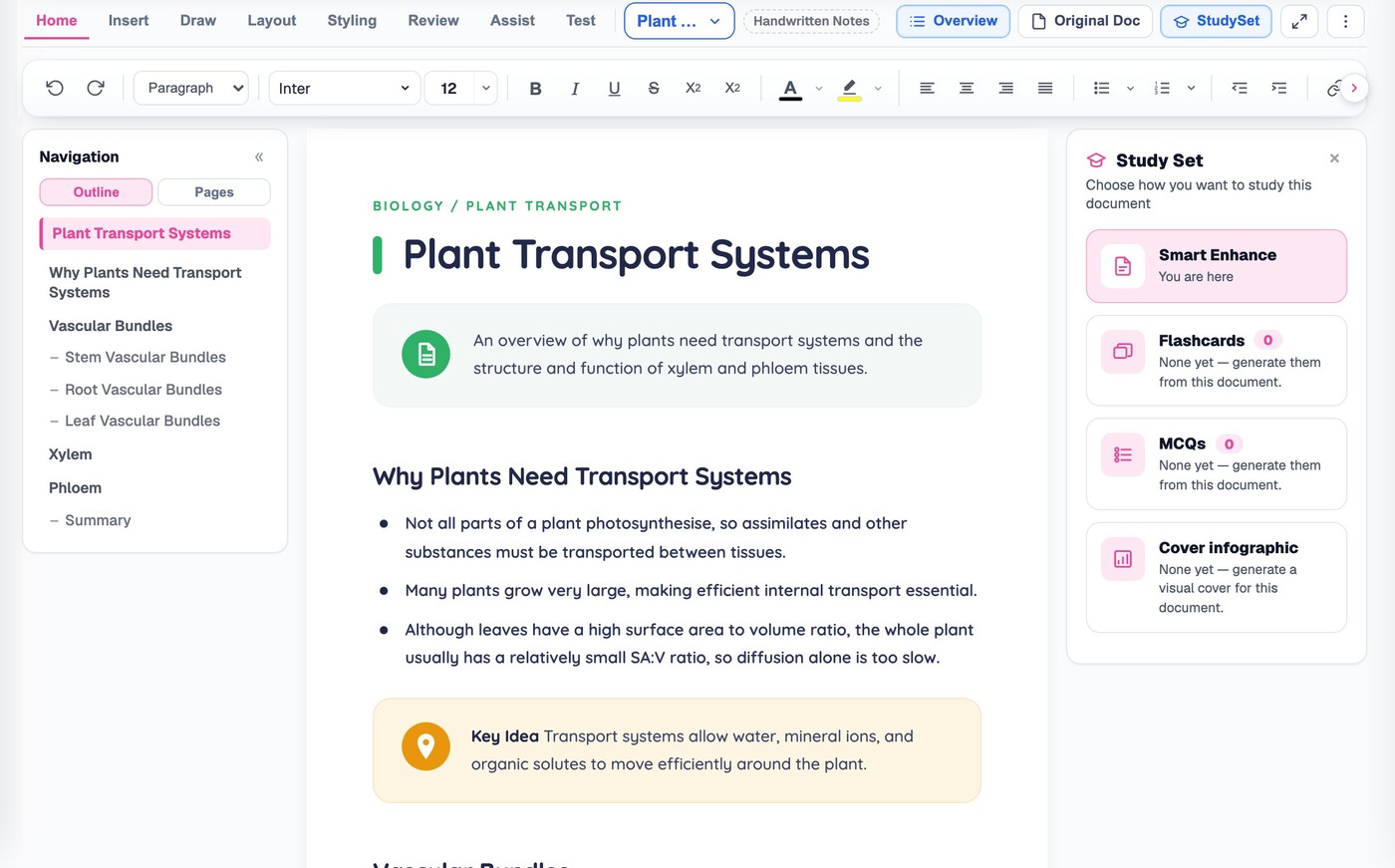
Questions, answered
How Deep Recall builds its questions, marks your answers and fits around you.
Try BrightStudy free and upload your first document, or email us at support@brightstudy.ai.
What is Deep Recall?
How are the questions generated?
Can I speak my answer?
How is my answer marked?
Can I see the mark scheme before I answer?
Can I pause or skip a question?
Is Deep Recall the same thing as Deep Learning?
Is Deep Recall free to use?
Explore the rest of BrightStudy
Move across the strips · tap one to explore
 FlashcardsActive recall with focused question-and-answer cards.Learn more →
 MCQsExam-style questions with answer explanations.Learn more →
 AI TutorsAsk questions and explore difficult concepts.Learn more →
 AI ExplanationsHelp understanding answers and remembering ideas.Learn more →
 Spaced RepetitionRevisit your learning with scheduled reviews.Learn more →
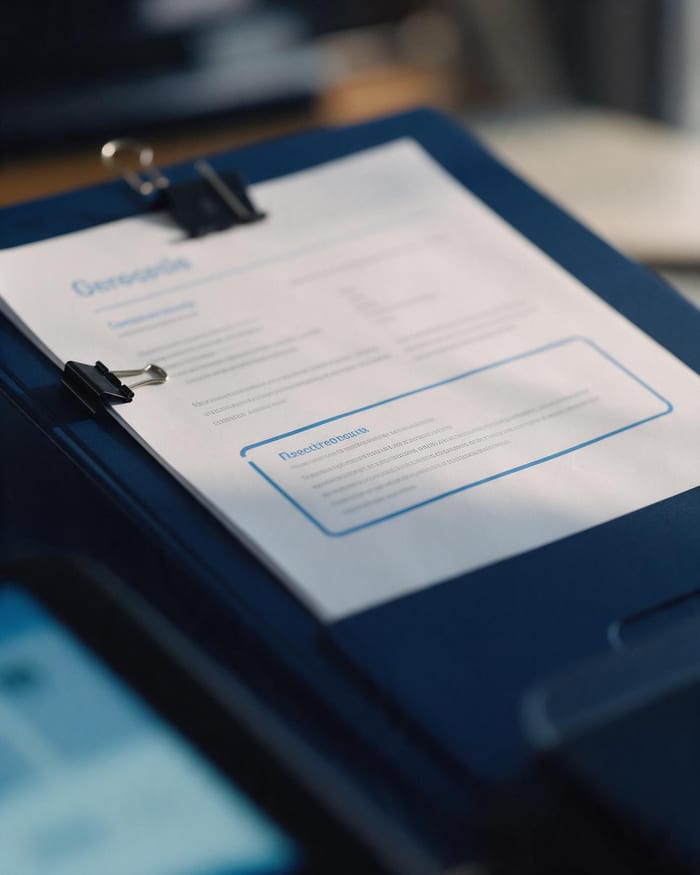 Study DocsStructured notes you can read, edit and study from.Learn more →
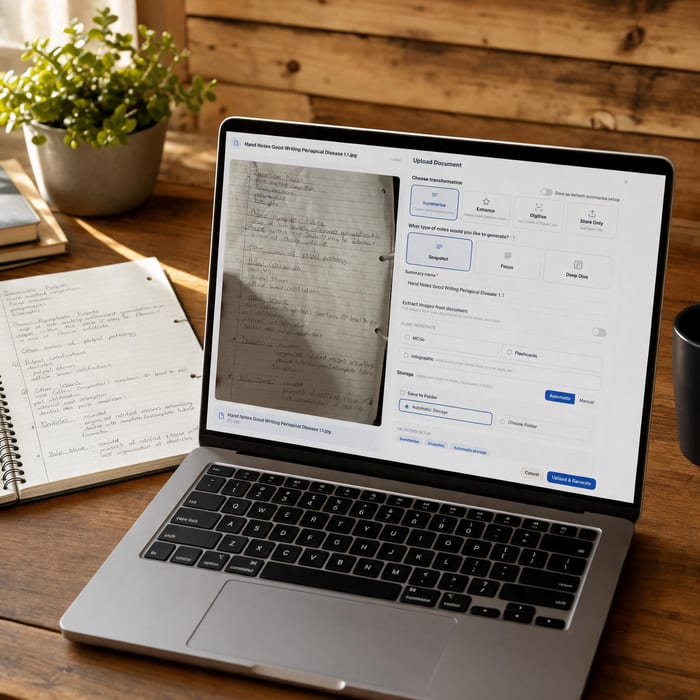 Document UploadsPDFs, slides and typed or handwritten notes.Learn more →
Find out what you really understand.
Teach an idea back in your own words, and let BrightStudy show you exactly what to revisit.
- Free plan to get started
- Study Docs, flashcards and MCQs
- Runs in your browser