Free study planners, checklists and templates
20 printable PDFs for the parts of studying that happen away from a screen: planning your week, revising so it sticks, walking into an exam ready, and staying well while you do it. Free, no sign-up.
Pick a resource, print it, use it
20 free PDFs in 5 categories. Pick a category above, or scroll through them all.
Plan your term
Planners and templates to organise your week, set realistic goals and count down to exams without last-minute panic.
4 resources
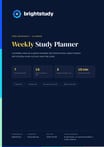 Planner
Weekly Study Planner
A printable week-at-a-glance timetable with priority boxes, subject balance and a Sunday review so every week has a plan.
PDF8 pages273 KB
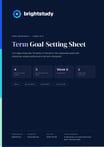 Template
Term Goal-Setting Sheet
Turn vague hopes like "do better in Chemistry" into measurable goals with milestones, weekly actions and a mid-term checkpoint.
PDF10 pages293 KB
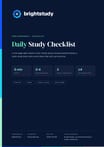 Checklist
Daily Study Checklist
A one-page daily routine: a five-minute setup, focused session blocks, a quick recall check and a wind-down that sets up tomorrow.
PDF8 pages246 KB
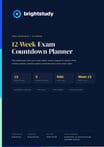 Planner
12-Week Exam Countdown Planner
Plan backwards from your exam dates: topics mapped to weeks, three revision passes, practice papers scheduled and a final-week taper.
PDF15 pages289 KB
Revise so it sticks
Spaced-repetition trackers, active-recall worksheets and flashcard rules built on how memory actually works.
4 resources
 Template
Spaced Repetition Tracker
A paper tracker for reviewing each topic at expanding intervals (1, 3, 7, 14 and 30 days) so you revisit material just before you forget it.
PDF9 pages249 KB
 Worksheet
Active Recall Worksheet
Blurt, question and check: a three-step worksheet that replaces passive re-reading with retrieval practice for any topic.
PDF13 pages292 KB
 Template
Mind Map Templates
Three printable mind-map layouts (radial, process and comparison) with rules for maps that aid memory rather than just decorate a page.
PDF10 pages247 KB
 Guide
How to Write Flashcards That Work
The rules that separate flashcards that build memory from flashcards that waste time, with before-and-after examples and a card-writing worksheet.
PDF8 pages245 KB
Prepare for exam day
Exam-day checklists, past-paper strategy, essay planning and an error log so each practice paper makes the next one better.
4 resources
 Checklist
Exam Day Checklist
Everything to do in the week before, the night before, the morning of and the first five minutes of an exam, on one printable sheet.
PDF10 pages268 KB
 Guide
Past Paper Strategy Guide
How to get the most out of every past paper: when to do them, how to mark like an examiner, and how to turn lost marks into a revision list.
PDF8 pages235 KB
 Template
Essay Plan Framework
A plan-before-you-write template for timed and coursework essays: thesis line, paragraph planner with evidence and link, and a timing guide.
PDF11 pages277 KB
 Worksheet
Exam Error Log
Log every mistake from practice questions by type, find your patterns and turn them into a short fix list that actually changes your next score.
PDF9 pages238 KB
Take notes you will use again
Cornell, lecture capture, sketchnoting and reading-note templates: systems for notes that are worth revising from.
4 resources
 Template
Cornell Notes Template
The classic three-part note page (cues, notes, summary) with a one-page guide to using it so every page becomes a self-test.
PDF14 pages281 KB
 Worksheet
Lecture Capture Sheet
A before, during and after sheet for lectures and lessons: pre-read questions, live notes with a questions margin, and a ten-minute consolidation.
PDF12 pages286 KB
 Guide
Sketchnoting Starter Pack
Visual note-taking for people who cannot draw: a small visual vocabulary, four page layouts and practice pages to build the habit.
PDF11 pages264 KB
 Template
Textbook and Reading Notes Template
An SQ3R-based template for reading chapters and papers so you finish with questions answered and a summary, not just highlighted pages.
PDF15 pages293 KB
Stay focused and well
Focus-session trackers, a sleep and energy log, a habit tracker and an exam-stress toolkit for the weeks when it all gets heavy.
4 resources
 Worksheet
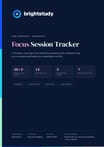
Focus Session Tracker
A Pomodoro-style log for 25-minute focus sessions with a distraction tally, so you can see what breaks your concentration and fix it.
PDF13 pages284 KB
 Template
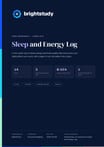
Sleep and Energy Log
A two-week log of sleep, energy and study quality that shows how your nights affect your work, with a page to turn the pattern into a plan.
PDF9 pages267 KB
 Guide
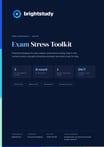
Exam Stress Toolkit
Practical techniques for exam anxiety: what stress is doing, three in-the-moment resets, a thought-reframing worksheet and when to ask for help.
PDF8 pages262 KB
 Planner
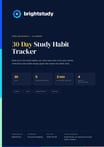
30-Day Study Habit Tracker
Build up to five study habits over thirty days with a tick grid, weekly reflections and a habit-design guide that makes the habits stick.
PDF9 pages276 KB
Three steps,
Every resource is a complete method on paper: a short explanation, a worked example, and the blank pages to do it yourself.
Download the PDF
Open the resource page, read who it is for, and download. Nothing to install and nothing to sign.
Print it, or fill it in on a tablet
A4 pages with blank write-in spaces. Print the ones you need; keep the rest on your device.
Pair it with BrightStudy
The planners and checklists cover the routine; BrightStudy turns your notes into Study Docs, flashcards and exam-style questions and schedules the reviews. Each resource page points to the features that fit.
Questions, answered
Free, printable, and yours to share with a class.
Try BrightStudy free and upload your first document, or email us at support@brightstudy.ai.
Are the resources really free?
Can I print them or fill them in on a tablet?
Can teachers and tutors share them with a class?
Which levels are they for?
How do they fit with BrightStudy?
Will there be more?
Where BrightStudy takes over
Move across the strips · tap one to explore
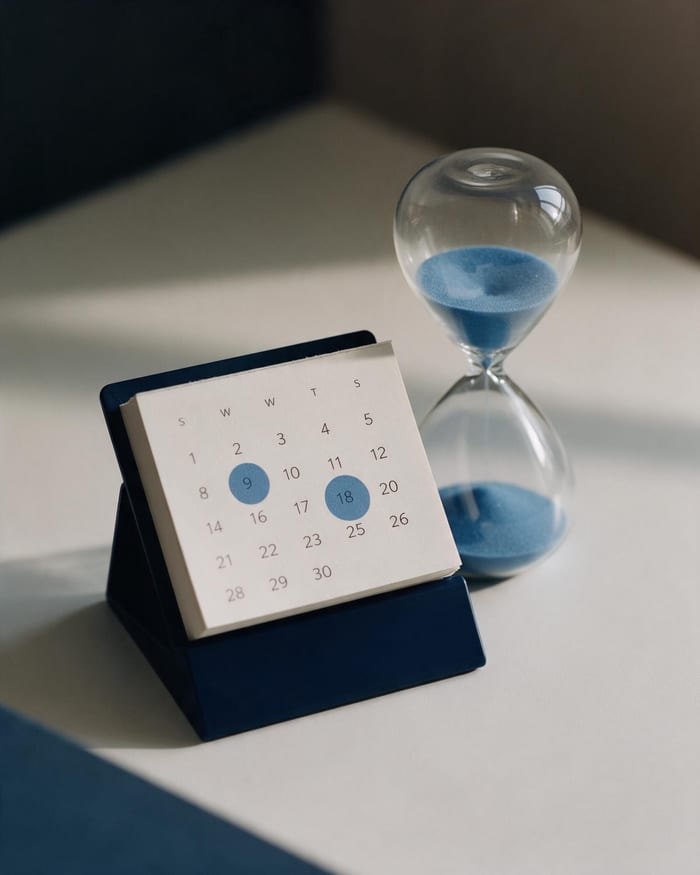 Study CalendarPlan revision, exams, deadlines and events.Learn more →
 Spaced RepetitionRevisit your learning with scheduled reviews.Learn more →
 FlashcardsActive recall with focused question-and-answer cards.Learn more →
 MCQsExam-style questions with answer explanations.Learn more →
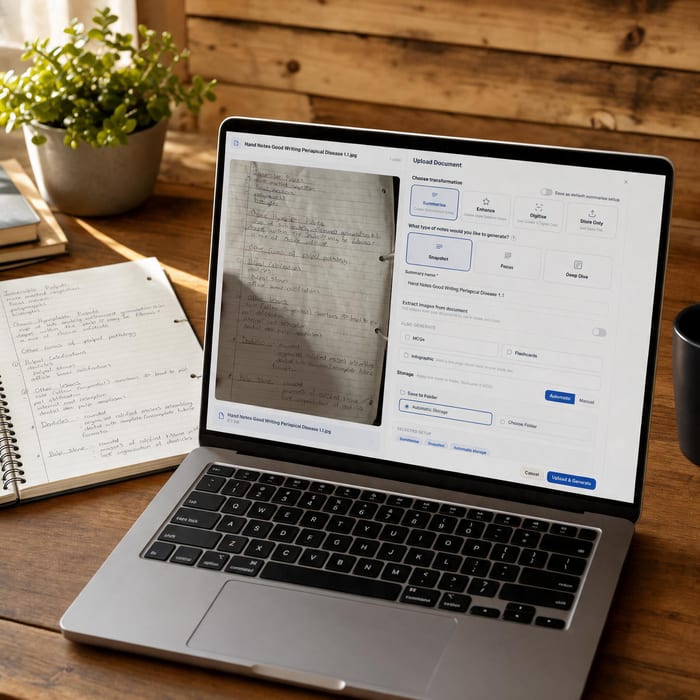 Document UploadsPDFs, slides and typed or handwritten notes.Learn more →
 Progress AnalyticsTrack your study activity and performance.Learn more →
 Community LibraryStudy resources shared by the community.Learn more →
Plan on paper. Revise with BrightStudy.
Upload your notes and get Study Docs, flashcards and MCQs in minutes, then let spaced repetition decide what to review each day.
- Free plan to get started
- Study Docs, flashcards and MCQs
- Runs in your browser